

前言
還記得在day20的時候我們利用vanilla.js打造無限捲動的post嗎?前幾天剛好看到助教群中也有人討論到相關的主題,於是就想到用vue做出類似的效果,果不其然…比自己寫JS快多了XD,利用scroll-view真的會極端輕鬆的達成目的!
使用技術
ScrollView基本介紹
ScrollView是一個vue.js使用的plugin,可以幫助你在各種元件中監聽scroll行為並輕易作出一些常見的效果,比方說本篇文章要介紹的infinite scrolling,或是medium上常見的lazy loader效果,當然也可以透過ScrollView做出一些動畫效果,是個能加強你專案UI與互動性的好幫手。
ScrollView使用
首先自然是透過npm或是yarn指令安裝scrollview
npm install vue-scrollview接著在你的專案入口(如果你用vue-cli,那就是src/main.js)載入scrollview
import ScrollView from 'vue-scrollview'
Vue.use(ScrollView)
這個行為會在全域建造<Scroll-view />這樣的component供你使用。基本用法的部分可以參照官方文件
大體上來說<Scroll-view />由以下幾個要素所構成。
- key,Scroll-view中必備的元素,且由於Scroll-view會是全域的組件,所有的key值必須是唯一值
- slot-scope="visibility",visibility其實只是個單純的物件,可以是任何名字,裡面的值則是透過上方建立的key值做設定。
基本在父層元件會是類似以下的結果
<Scroll-view>
    <template slot-scope="visibility">
        <my-component key="a" :visible="visibility.a"></my-component>
    </template>
</Scroll-view>
Infinite scrolling
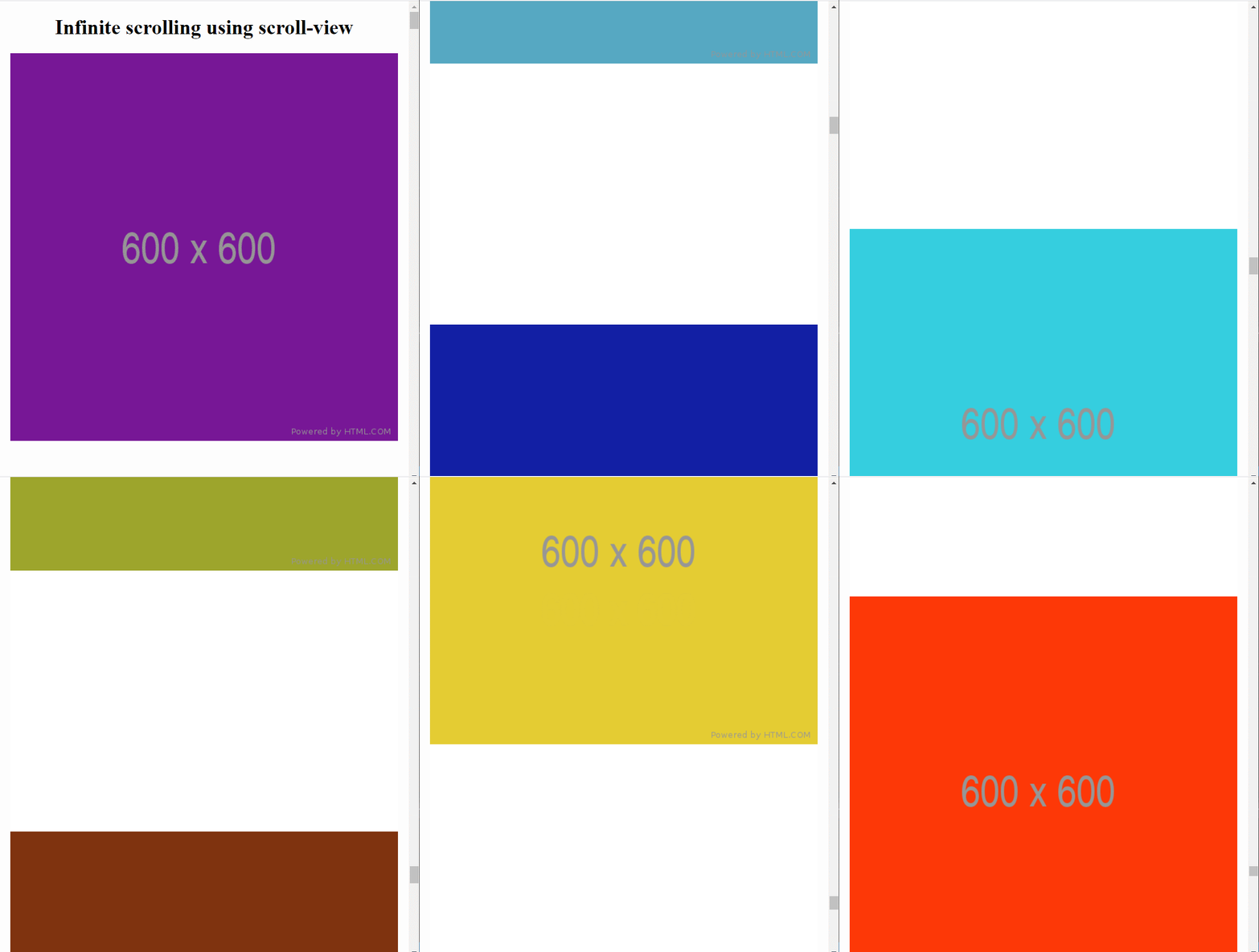
scroll view要達成infinite scrolling真的相當的輕鬆,這邊是官網給的示範,利用imageplace holderAPI做的簡易demo,要完成以下demo,首先在父層的部份你需要建立Scroll-view component
App.vue
<template>
  <div id="app">
    <h1>Infinite scrolling using scroll-view</h1>
    <Scroll-view>
      <template slot-scope="visible">
        <my-component v-for="i in items" :source="i.url" :key="i.id"></my-component>
      </template>
    </Scroll-view>
    <h3 v-if="loading" class="loading">Loading...</h3>
  </div>
</template>
並在script的部份先載入$scrollview屬性,$scrollview提供了幾個function判斷scroll事件,今天要用的是onLastEntered,也就是當捲動到最後一個元素時將會觸發你指定的callback,詳情可以見官方文件。
import ComponentA from '@/components/ComponentA.vue' // 自己建立的image元件
import axios from 'axios' // 你也可以使用原生的fetch
import { $scrollview } from 'vue-scrollview'
App.vue完整程式碼如下
<template>
  <div id="app">
    <h1>Infinite scrolling using scroll-view</h1>
    <Scroll-view>
      <template slot-scope="visible">
        <my-component v-for="i in items" :source="i.url" :key="i.id"></my-component>
      </template>
    </Scroll-view>
    <h3 v-if="loading" class="loading">Loading...</h3>
  </div>
</template>

<script>
import ComponentA from '@/components/ComponentA.vue'
import axios from 'axios'
import { $scrollview } from 'vue-scrollview'

export default {
  name: 'App',
  components: {
    'my-component': ComponentA
  },
  data() {
    return {
      page: 1,
      items: [],
      loading: false
    }
  },
  watch: {
    page: {
      immediate: true,
      handler: function () {
        // get some more items every time the page changes
        this.fetchMore()
      }
    }
  },
  methods: {
    fetchMore() {
      this.loading = true
      axios.get(`https://jsonplaceholder.typicode.com/albums/${this.page}/photos`)
        .then(({ data }) => {
          this.loading = false
          this.items = this.items.concat(data.slice(1, 6))
        })
    },
  },
  mounted() {
    $scrollview.onLastEntered = () => this.page++ // last component entered, increment the page
  }
}
</script>

<style>
h1,
.loading {
  text-align: center;
}
</style>
子元件的部分則相當的單純,基本上就只是一個img元件,利用從父層接收到的source屬性做圖片的顯示。
ComponentA.vue
<template>
  <div class="scroll-image">
    <img :src="source" alt="a placeholder scroll image" />
  </div>
</template>

<script>
export default {
  props: ['source']
}
</script>

<style>
.scroll-image {
  margin: 0 auto 400px;
  max-width: 600px;
}
</style>
這樣就可以完成Infinite scrolling囉~!太簡單了對吧!
專案預覽
專案連結
 Danny的學習紀錄