
這個小專案是來自https://javascript30.com/的教學,點擊進去輸入email後就可以進入課程~!此為第三篇學習紀錄!一樣先附上程式碼
HTML
<!DOCTYPE html> <html lang="en"> <head> <meta charset="UTF-8"> <title>Scoped CSS Variables and JS</title> <link rel="stylesheet" href="style.css"> </head> <body> <h2>Update CSS Variables with <span class='hl'>JS</span></h2>Spacing: Blur: Base Color<img src="https://source.unsplash.com/7bwQXzbF6KE/800x500"> http://main.js </body> </html>
CSS
:root {
  --base:#ffc600;
  --spacing:10px;
  --blur:10px;
}

img {
  padding: var(--spacing);
  background: var(--base);
  filter: blur(var(--blur));

}

body {
      text-align: center;
      background: #193549;
      color: white;
      font-family: 'helvetica neue', sans-serif;
      font-weight: 100;
      font-size: 50px;
    }

.controls {
  margin-bottom: 50px;
}

input {
  width: 100px;
}
JAVASCRIPT
const input = document.querySelectorAll('.controls input')

function handle() {
  const suffix = this.dataset.sizing || ''
  document.documentElement.style.setProperty(`--${this.name}`, this.value + suffix)
}

input.forEach(item => item.addEventListener('change', handle))
學習重點
- CSS中已套用變數功能,可利用:root {–變數名稱做變數命名},使用時利用var進行宣告
  //例如
    :root {
      --color:#ffffff
    }
    .item {
      background: var(--color);
    }
- 除了利用:root 設定變數,也可以在其他的區塊例如h1等地方設定變數,該變數則保有區塊特性(僅適用該區塊)
- 利用JS可修改變數的值,利用style.setProperty 改變指定元素的特性 須接受兩個變數(特性名稱,值), 指定的元素為有使用到該變數的所有元素。
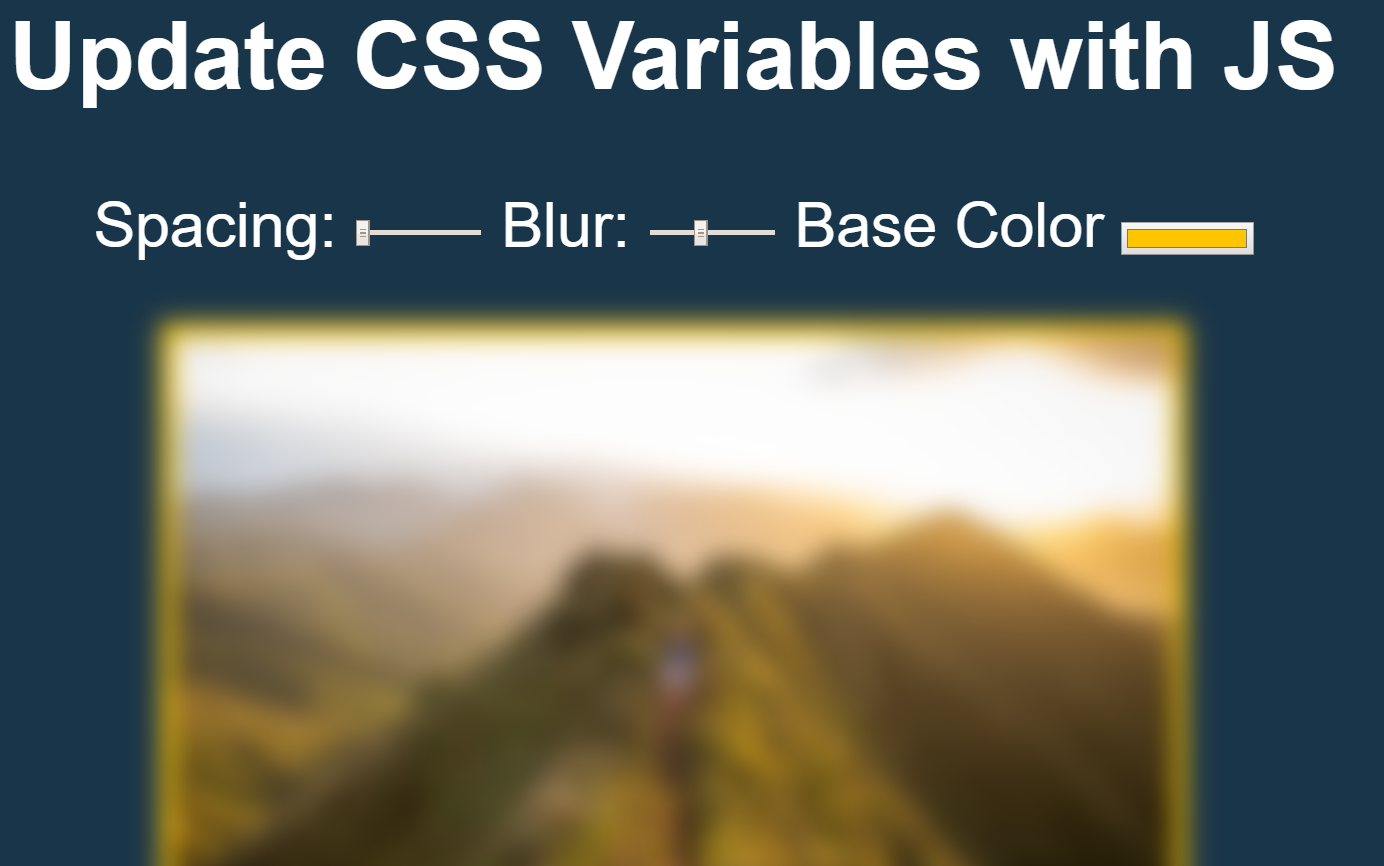
最終成品
https://windate3411.github.io/Css-variable_with_js-JS30-3-/
 Danny的學習紀錄