為了更熟練各種JS以及bootstrap的操作,在撰寫學習筆記之餘會開始建構一些side project作練習,內容應該都不算太複雜~!
HTML
<!DOCTYPE html> <html lang="en"> <head> <meta charset="UTF-8"> <meta name="viewport" content="width=device-width, initial-scale=1.0"> <meta http-equiv="X-UA-Compatible" content="ie=edge"> <title>Tip calculator</title> </head> <body>Tip Calculator
How much was your bill?
</div> </div> <!-- tip option --><!-- people count -->What's your tip option?
Open this select menu 30% 20% 15% 5% 0%<!-- total amount -->How many people gonna split it?
Open this select menu 0 1 2 3 4Calculate!<!-- results --> </div> </div> https://unpkg.com/axios/dist/axios.min.js https://code.jquery.com/jquery-3.3.1.slim.min.js https://cdnjs.cloudflare.com/ajax/libs/popper.js/1.14.0/umd/popper.min.js https://stackpath.bootstrapcdn.com/bootstrap/4.1.0/js/bootstrap.min.js </body> </html>CSS
body { margin:0; padding:0; background:linear-gradient(to right,lightyellow,red); } .tip_box { border:5px solid black; width:500px; height:600px; margin: 50px auto 0; border-radius: 30px; overflow:hidden; background-color:#ffff; } .title { background:grey; overflow:hidden; } .result { background:grey; }Javascript
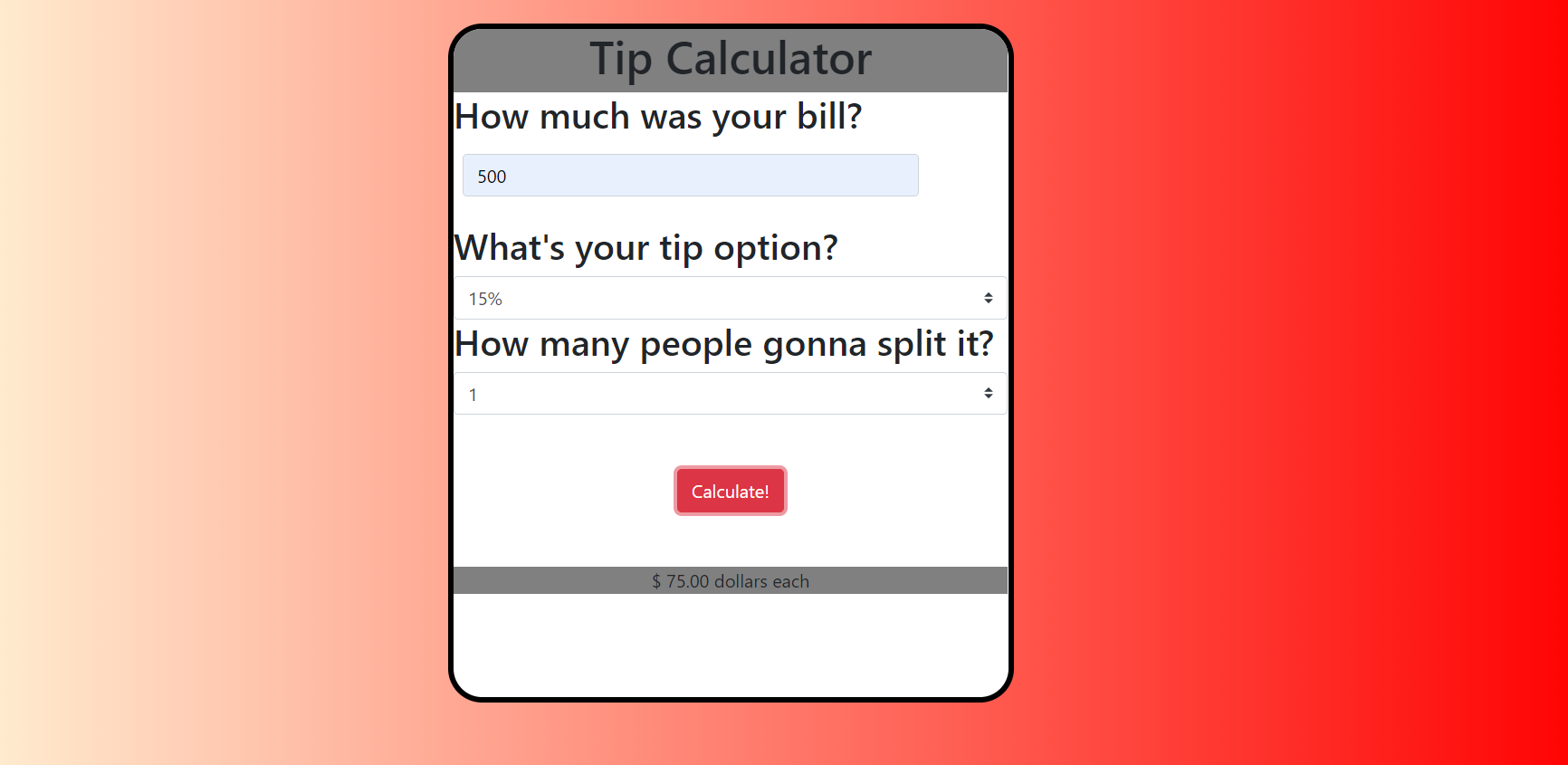
const calculate = document.querySelector('#calculate') const regrex = /^[0-9][1-9][0-9]$/ const calcullateTip = () =>{ const bill = document.querySelector('#inputPassword').value const tip_option = document.querySelector('#tip').value const people = document.querySelector('#people').value const result = document.querySelector('.result') let total = 0 if (regrex.test(bill) && tip_option !== '' && people !== '') { total = (parseInt(bill)*parseFloat(tip_option)/parseInt(people)).toFixed(2) result.innerText =$ ${total} dollars each} else { alert("please enter valid input!") } } calculate.addEventListener('click',function(){ calcullateTip() })最終成品
https://windate3411.github.io/Tip-calculator/
在這小專案中有幾個點需要特別做紀錄
- 下拉選單有drop down & select兩種可以選擇,這次為了存取該欄位的數值我選擇了select方案。
- 第一欄位input防呆處理利用了之前學過的regrex,真的挺方便的
- 利用DOM操作取得的數值都是字串,記得善用parseInt之類的方法轉為整數,並利用toFixed固定小數位數。
- overflow除了用來做滾輪軸,還有像這樣的簡單用法:將父元素加入overflow:hidden可以避免子元素超過父元素(其實就是將超出的部分隱藏)。
 已發表
已發表
 Danny的學習紀錄